A row of separate switches looks simple until the desk becomes a small electrical system. Start with a harder question than the visible button count: does each control give one device a clear, deliberate state without making cord routing, adapter spacing, or safe access worse? This field note starts with the working desk, then works backward toward the hardware.
I use a selective-shutdown map rather than a product scorecard. It shows which equipment may go dark at the end of a session, which equipment must preserve a clock or network state, and which appliance does not belong on a desk strip at all. That map makes individual outlet control practical instead of merely decorative.
Begin with the jobs, not the sockets
Start by naming what the desk actually does during a normal week. A monitor, task light, speaker pair, laptop adapter, docking station, and occasional charger do not share the same shutdown needs. Write each item on its own line. Add the plug shape, the approximate location of its power brick, and whether losing power changes settings or interrupts a background task. This is more revealing than counting plugs while kneeling beneath the desk.
When you are ready to compare hardware, the commerce review surveys desk power strips with an individual switch for each outlet. Use that list as a candidate finder, then return to your own map. The final choice still needs to fit the labels, ratings, plug shapes, reach, and operating pattern in your room.
Divide the inventory into three behavior groups. “Session” equipment can turn off whenever work ends. “Continuity” equipment stays energized because an abrupt interruption would be inconvenient. “Elsewhere” equipment is inappropriate for the planned strip because its demand, heat, or manufacturer instructions call for a different connection. The third group matters: a separate switch cannot make an unsuitable load suitable.
Now imagine the shutdown motion. If the strip sits behind a monitor where the switches cannot be read, separate controls will invite guessing. If it hangs near a knee, a stray touch can change an outlet unexpectedly. A useful location lets an adult see the control, identify the paired receptacle, operate it without leaning on a plug, and leave every cord with an unstrained bend.

Give every receptacle one stable role
A per-outlet strip works best when a socket does not change identity every afternoon. Reserve positions for recurring equipment before assigning spare capacity. The lamp can keep the leftmost place, the display can occupy a central socket, and a rarely used charger can take the position nearest the edge. A stable arrangement shortens the moment between deciding and switching.
Place bulky adapters on the paper map at their real width. A nominal six-outlet body may offer fewer usable positions when two transformers collide. Some plugs direct the cable downward, some sideways, and some straight back. Sketch those exits. A cord that must fold sharply against the wall, desktop, or neighboring adapter is not a successful fit even when its blades enter the receptacle.
Look at the relationship between each switch and socket. The best mapping is obvious without decoding tiny marks. Parallel alignment, consistent spacing, and distinct mechanical travel reduce ambiguity. If photographs make the pairings unclear, look for a manual or dimensional drawing rather than inventing an interpretation. A master switch, breaker reset, USB control, and per-outlet rocker can look similar from one camera angle.
Leave one position free when the physical layout permits it. The empty place is not wasted capacity; it is room for an occasional low-demand accessory and a buffer against crowding. A fully occupied strip often hides loose plugs, trapped dust, blocked indicators, and stressed cable exits. Capacity is a limit to respect, not a target to fill.
Use four boundaries to reject a poor candidate
Begin with the electrical nameplate. Compare the strip’s stated voltage, current, and total-load limits with the intended environment and with the instructions for every connected device. Do not calculate away a warning printed by a manufacturer. If a product listing hides the rating or shows conflicting photographs, treat uncertainty as a reason to pause rather than a puzzle to solve optimistically.
Next, look for a safety certification mark from a recognized testing organization that applies where the strip will be used. A familiar-looking badge in a marketplace image is not enough. The mark should be legible on the product or packaging, and the model identity should be consistent. Certification does not erase the need for correct loading, grounding, condition checks, and ordinary caution; it is one boundary among several.
The third boundary is mechanical. Examine cord gauge information, strain relief, plug construction, enclosure seams, mounting method, and socket retention. A housing can be attractive yet awkward to secure. Adhesive alone may release from a warm or dusty underside. Screws or brackets may be unsuitable for a hollow desktop. Choose a method that respects both the furniture and the product instructions.
The final boundary is behavioral. Individual rockers should not encourage constant operation by toe, swinging bag, or chair edge. Illuminated controls may be useful in daylight but distracting in a sleeping space. Closely packed buttons can be difficult for limited dexterity. The hardware has to suit the person who will actually reach it, not an idealized photograph.
| Boundary | Evidence to locate | Reason to stop |
|---|---|---|
| Electrical | Matching nameplate values and device instructions | Missing, conflicting, or unsuitable ratings |
| Assurance | Recognized mark tied to the same model | Decorative badge or unverifiable identity |
| Mechanical | Sound cord entry, enclosure, retention, and mount | Pinch, strain, looseness, or insecure support |
| Human | Readable pairing and deliberate reach | Guessing, accidental contact, or blocked controls |
Keep the controls reachable without exposing them
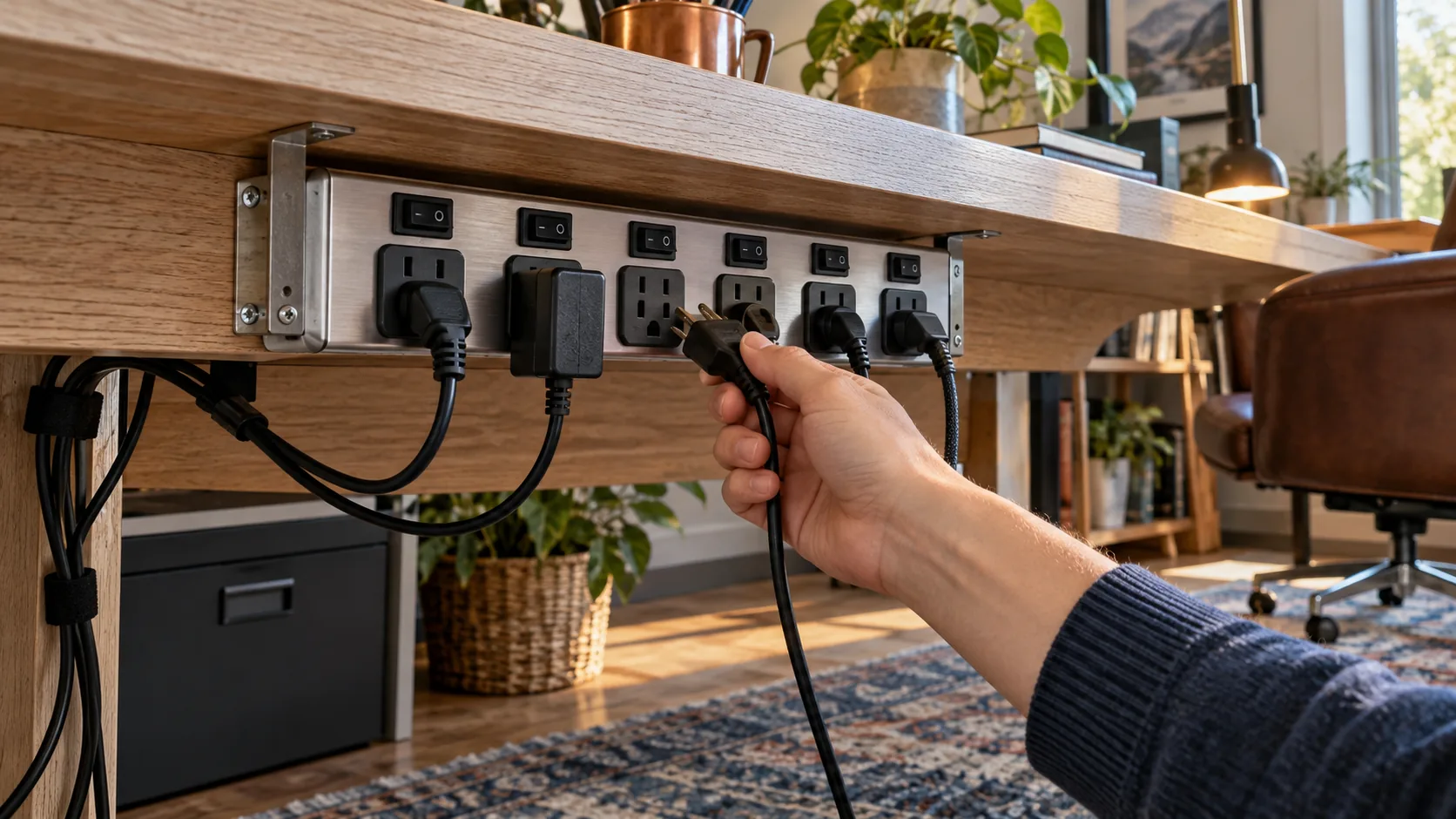
A strip on the floor collects different risks from one fastened beneath a desktop. Floor placement puts cords near chair wheels, feet, cleaning tools, and accidental liquid. Underside placement can improve access, but only when the mount carries the weight, ventilation remains open, plugs hang without levering their sockets, and the front controls are not where knees strike them.
Before fastening anything, mock the location with painter’s tape and an empty cardboard outline. Sit, stand, move the chair, raise the desk if it adjusts, and open nearby drawers. Follow the proposed supply-cord path to the wall receptacle. The path should avoid compression, sharp metal edges, hinge lines, and a taut span that somebody could catch.
Keep connection points observable. A woven sleeve can organize downstream cords, yet it should not bury the strip’s own supply cable or conceal a warm adapter. Loose service loops near adjustable equipment let the desk travel without pulling. Secure the loops to structure rather than tying one cable tightly around another.
Do not mount a conventional strip where a spill is likely. Moving a cup holder is usually easier than inventing a shield that traps heat or interferes with switches. A cover not supplied for the product can create new problems. The cleaner solution is distance, a stable beverage zone, and a cord route that does not run through it.
Turn the switch bank into a quiet daily routine
A good shutdown sequence is short enough to remember and specific enough to avoid surprises. Close documents, allow computers and storage devices to finish their own shutdown, then operate the assigned session switches. Leave continuity equipment alone. This order prevents a convenient rocker from becoming a substitute for the device’s normal power-down process.
- Finish the work. Save files, end transfers, and use each device’s intended shutdown control.
- Look before touching. Confirm the label or cord path for the selected outlet.
- Switch session loads. Use one deliberate fingertip movement per assigned rocker.
- Scan the desk. Notice unexpected lights, warmth, buzzing, odor, or a plug that moved.
- Leave continuity loads documented. The reason they remain on should be visible to another user.
The visual scan is not an electrical test. It is a chance to notice ordinary change: a charger that is now covered by papers, a cord stretched by a moved monitor, or an indicator behaving differently. Unusual heat, discoloration, crackling, persistent odor, damage, or looseness calls for a safe disconnect followed by qualified help when needed, not another round of switch cycling.
Avoid making the routine performative. There is no prize for switching every outlet every evening. Some equipment consumes little in standby; some maintains useful state; some follows an employer’s policy. Individual control earns its place by making chosen boundaries easier, not by demanding that every button be used.
Write a plain-language stay-awake rule
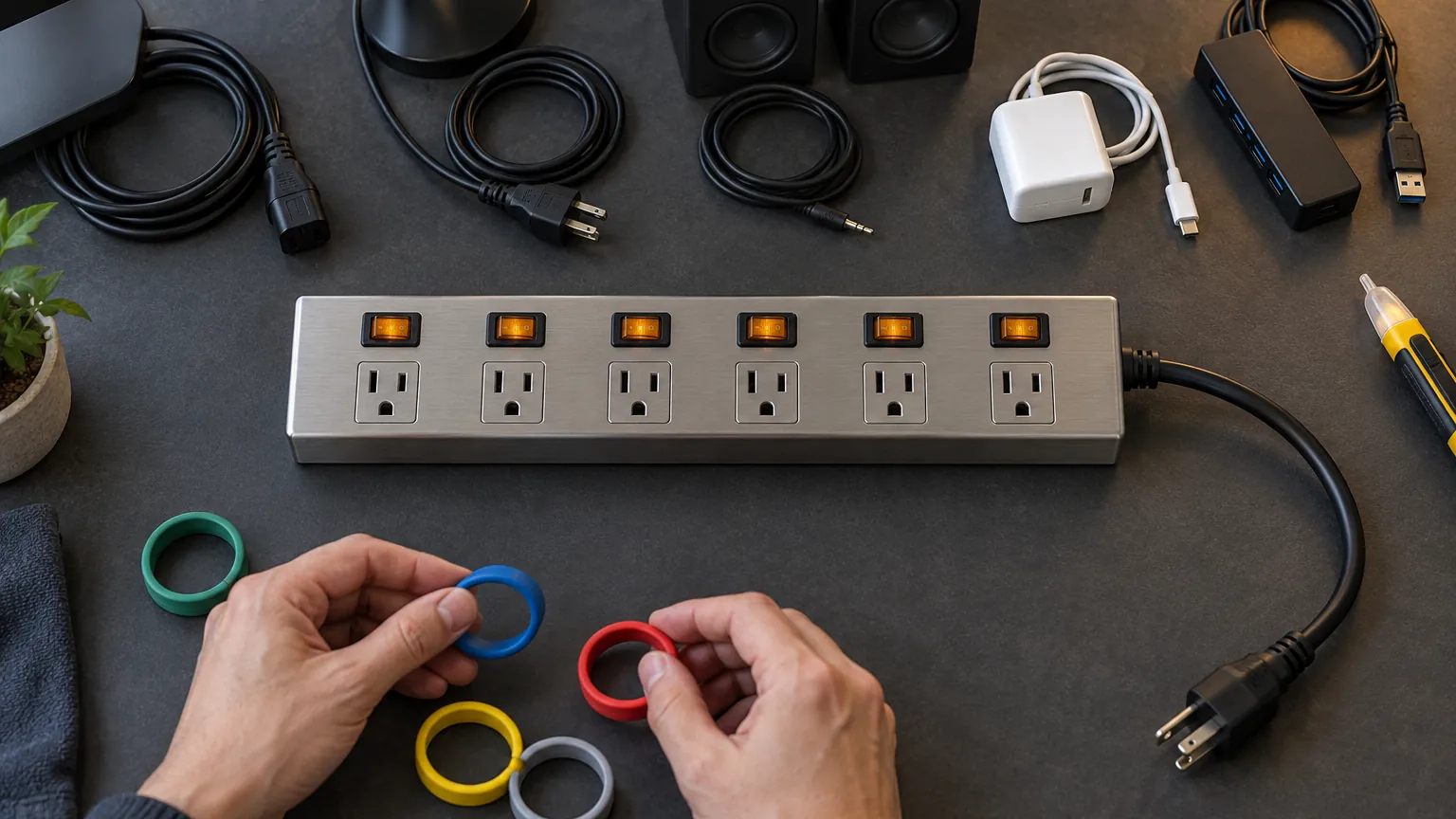
Shared desks fail when one person’s memory becomes the only operating guide. Put a small removable legend near, but never over, required product markings. It can say that the network bridge remains powered, the left display turns off after device shutdown, and the spare charger socket defaults to off. Describe outcomes rather than relying only on colors.
Color can reinforce identity, but it should not carry the whole message. People perceive colors differently, amber and red look similar in dim rooms, and a replacement cable may inherit the wrong ring. Pair any hue with a shape, position, or short device name. Keep the legend legible from the normal operating posture.
Record exceptions. A firmware update, remote-support session, overnight backup, or borrowed accessibility device can temporarily change a normal rule. The person creating the exception should attach a dated note and remove it when the condition ends. This prevents a temporary state from quietly becoming the new, unexplained standard.
On an organization-owned workstation, follow the applicable equipment and facilities policies. A personally convenient mounting scheme may conflict with inspection access, surge-protection standards, or rules about extension equipment. The map should document authorized practice, not route around it.
- State
- Normally on, session only, or disconnected when idle
- Identity
- Device name plus physical outlet position
- Exception
- Owner, reason, and an end date
- Review
- After any device, furniture, or user change
Choose the strip only after the map survives a week
Keep the draft outlet plan beside the desk for several working days before buying. Mark the equipment that appeared unexpectedly, the adapter that moved, the socket you could not reach, and the continuity need you forgot. A week is not a product test; it is a check on the accuracy of your own inventory. The plan becomes better because it observes routine rather than imagining it.
Then compare candidates against the same fixed questions. Can each switch be paired at a glance? Do the real plugs fit without crowding? Does the enclosure have a defensible mount? Are the ratings and assurance marks clear? Can the supply lead reach without tension? Will the controls stay visible while remaining protected from casual contact?
Reject a model when an essential answer depends on hope. Another outlet count, a longer cord, or a different housing may solve the conflict honestly. A strip is inexpensive compared with the devices and workspace around it, so there is little value in forcing a poor geometry into service.
The finished desk should feel less dramatic than the shopping page. Each device occupies a known branch, each branch has an intentional state, and the person leaving the room can complete the shutdown without crawling, tracing in darkness, or pulling plugs. That calm exit is the practical measure of individual outlet control.